← Back to site
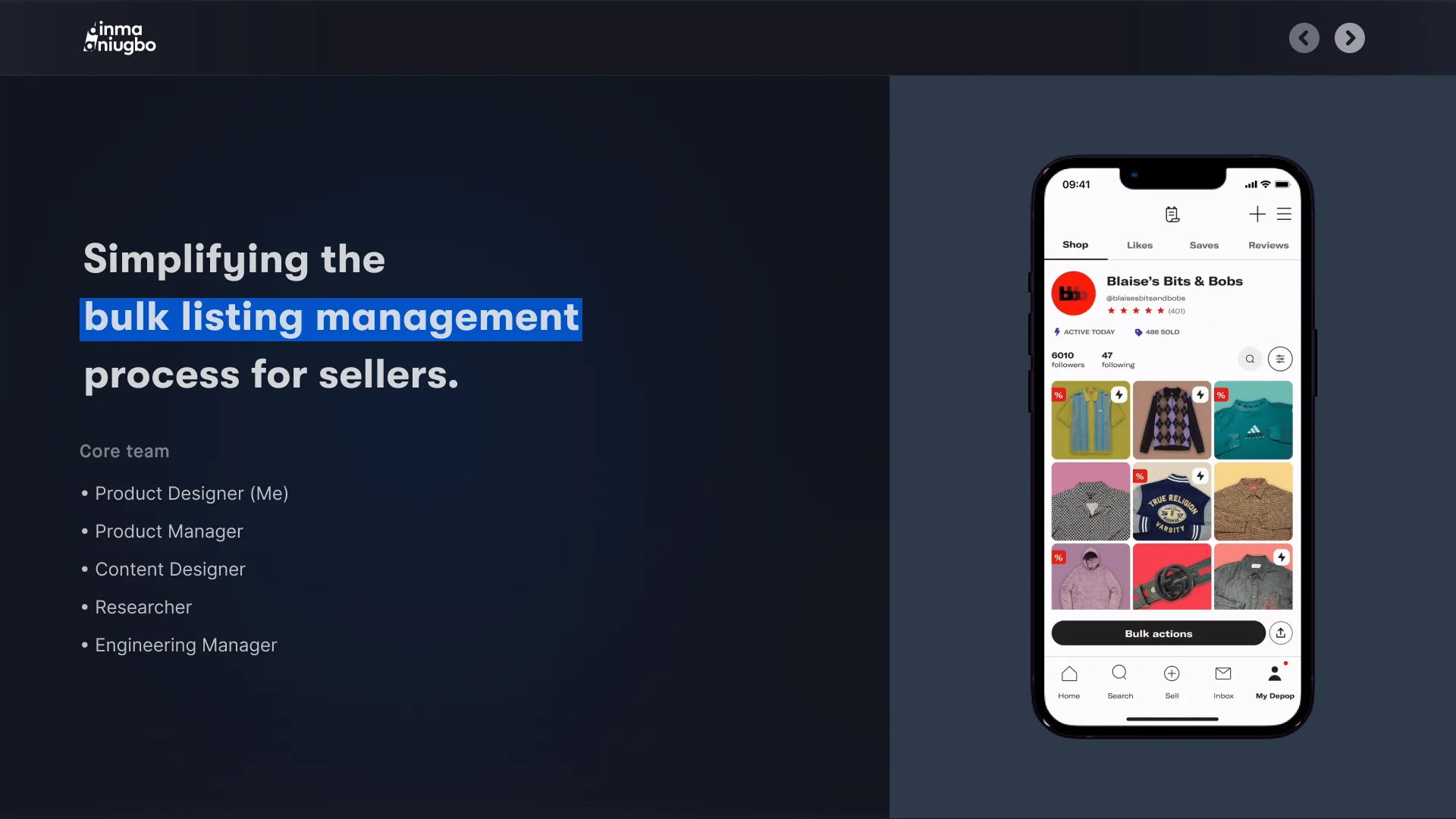
Simplifying the bulk listing management process for sellers. Core team • Product Designer (Me) • Product Manager • Content Designer • Researcher • Engineering Manager
01 Problems
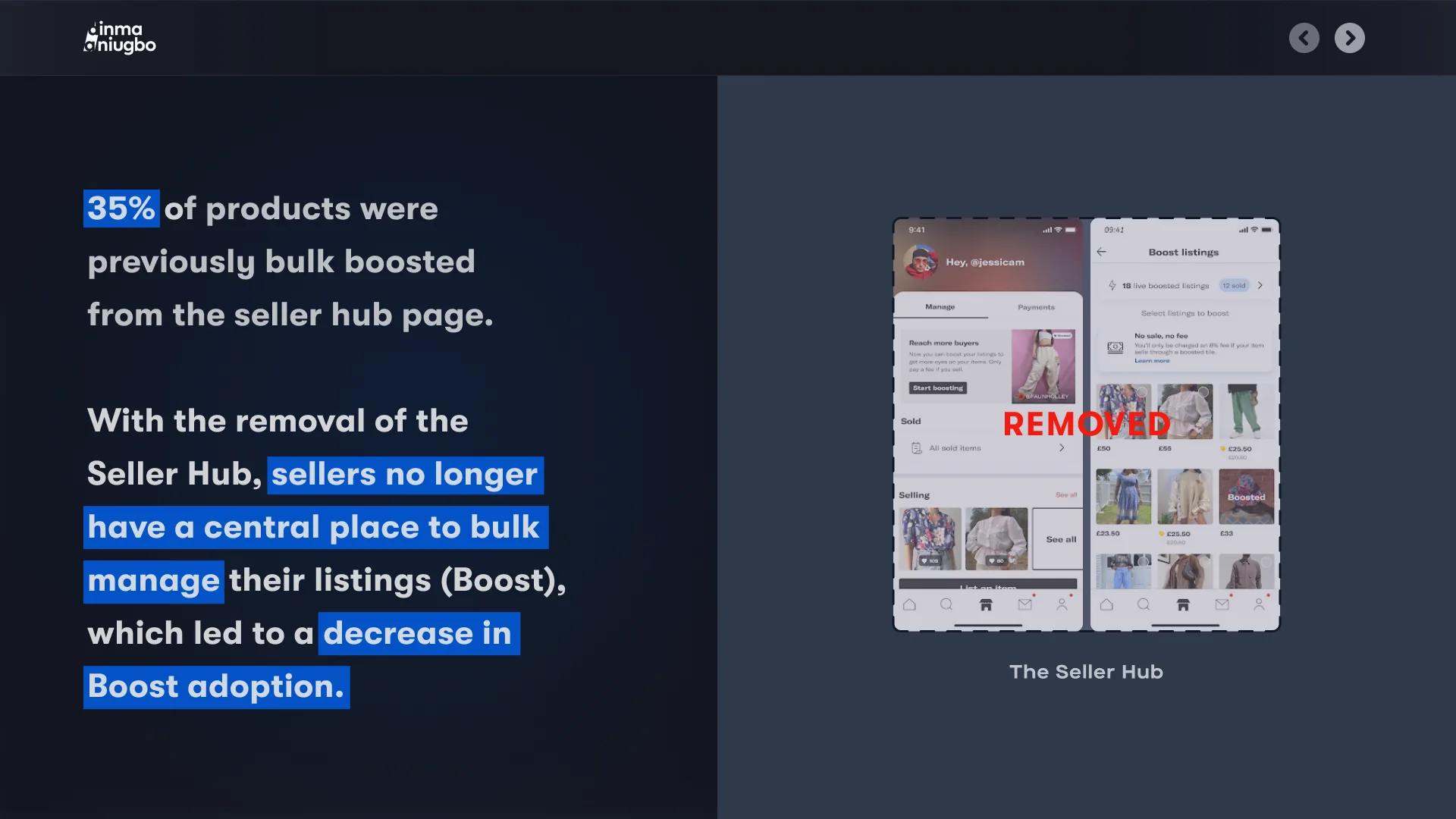
35% of products were previously bulk boosted from the seller hub page. With the removal of the Seller Hub, sellers no longer have a central place to bulk manage their listings (Boost), which led to a decrease in Boost adoption. REMOVED The Seller Hub
Some context Seller Hub A section of the Depop app that provides a dedicated home for all the information and key actions sellers need to run their shops successfully. Boosted Listings A promotional tool to help sellers promote their listings in search and reach more buyers by showing their listings to a wider audience.
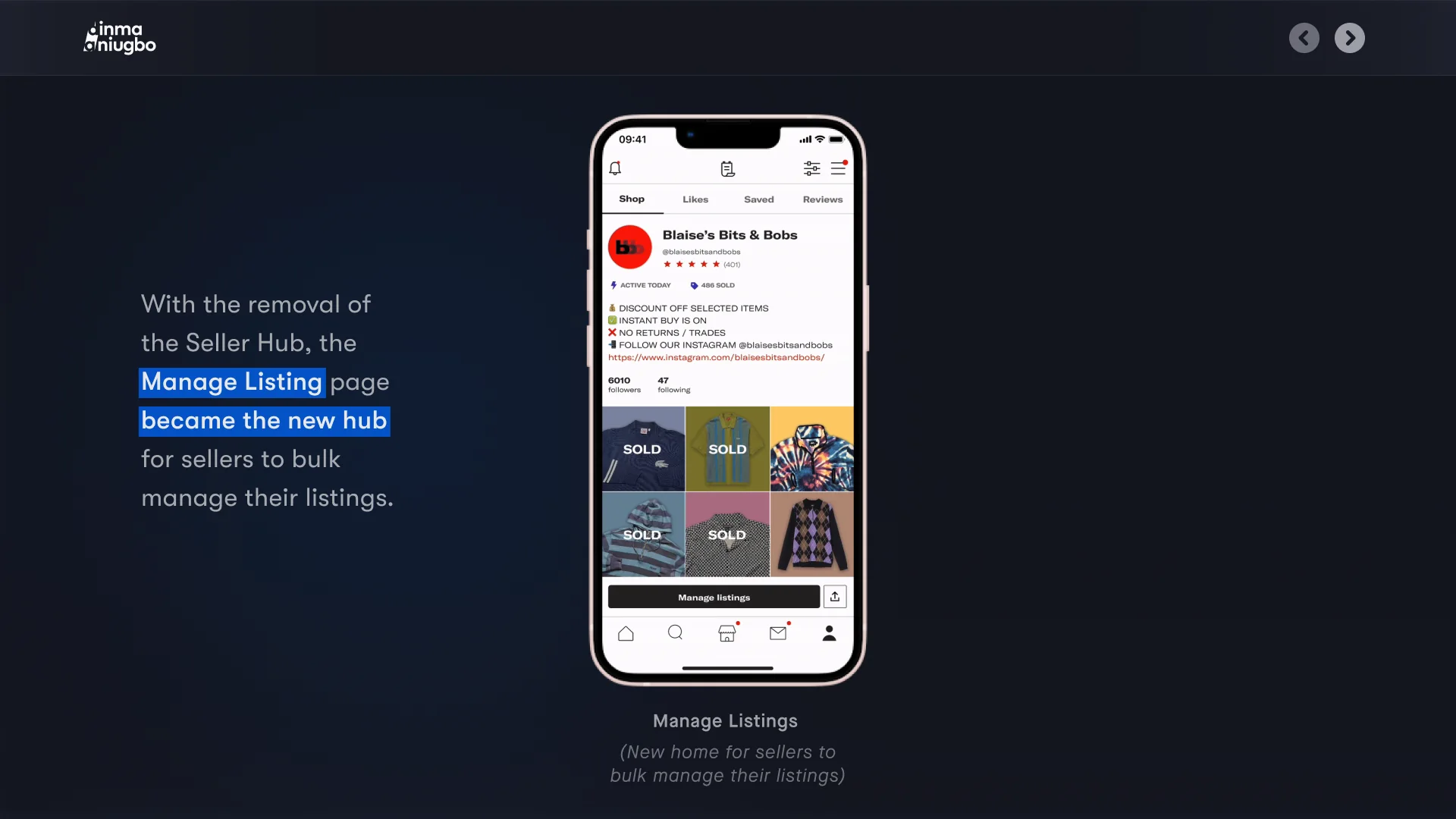
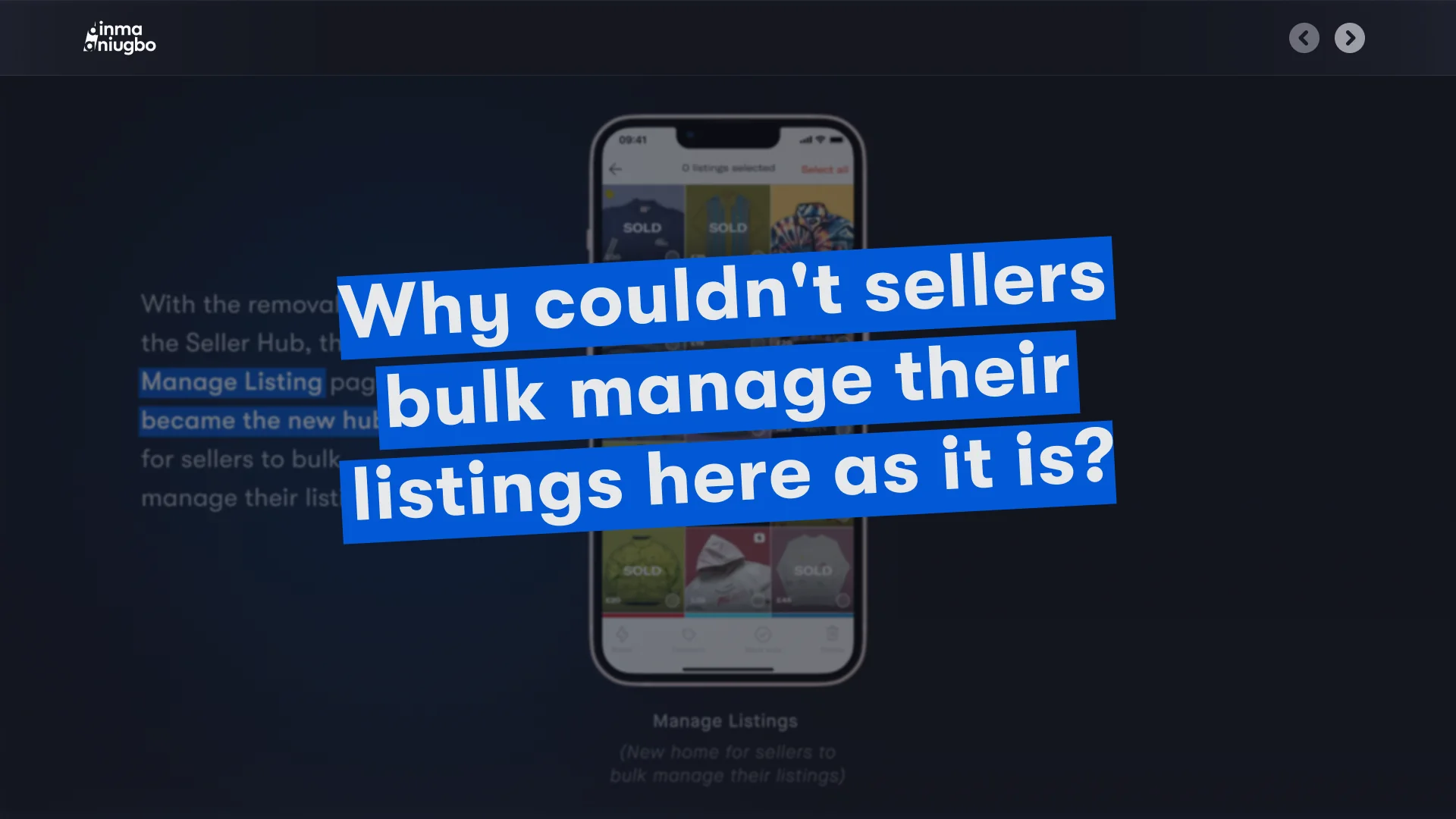
With the removal of the Seller Hub, the Manage Listing page became the new hub for sellers to bulk manage their listings. Manage Listings (New home for sellers to bulk manage their listings)
With the removal of the Seller Hub, the Manage Listing page became the new hub for sellers to bulk manage their listings. Manage Listings (New home for sellers to bulk manage their listings) Why couldn't sellers bulk manage their listings here as it is?
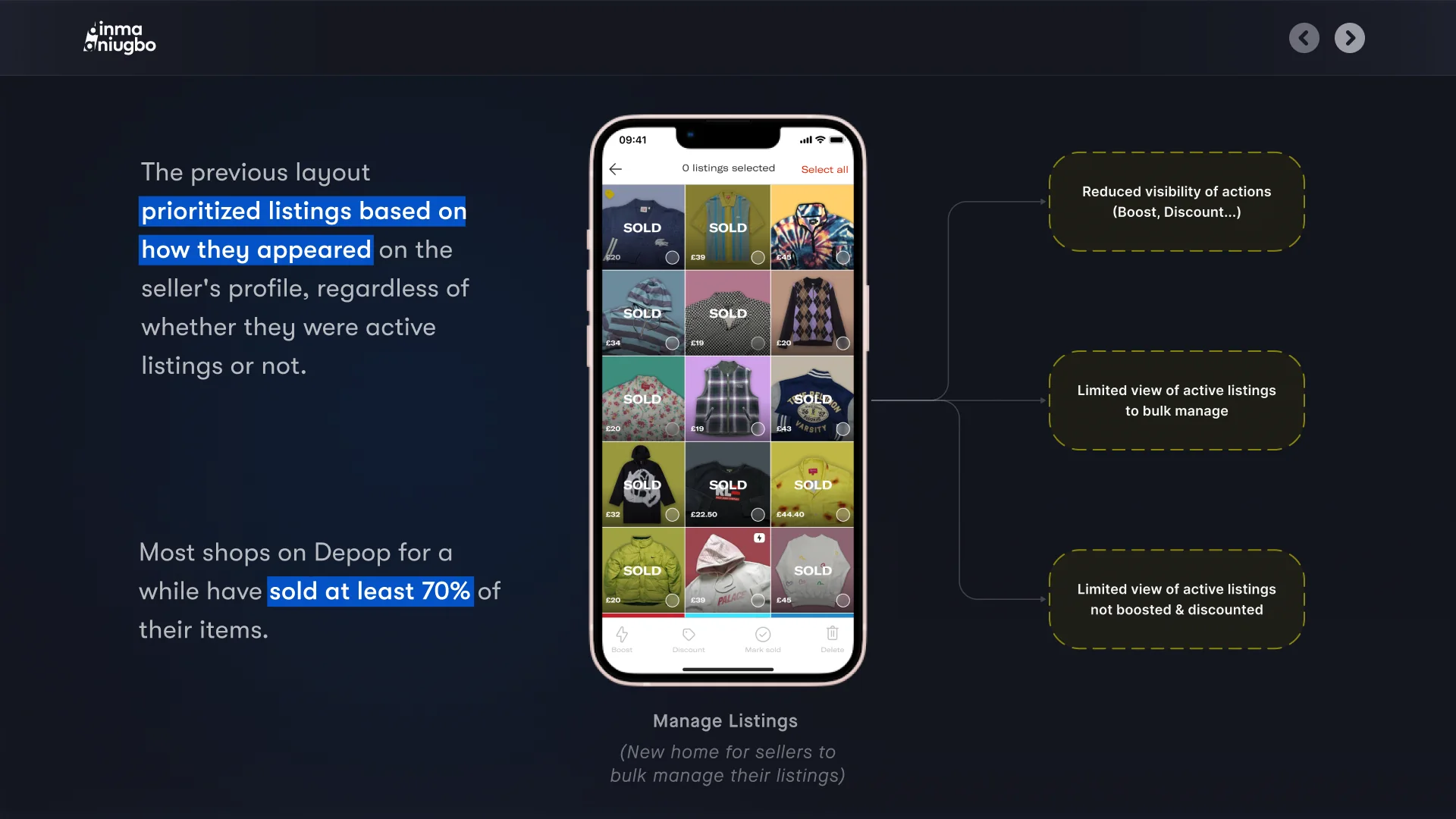
The previous layout prioritized listings based on how they appeared on the seller's profile, regardless of whether they were active listings or not. Most shops on Depop for a while have sold at least 70% of their items. Manage Listings (New home for sellers to bulk manage their listings)
02 Research
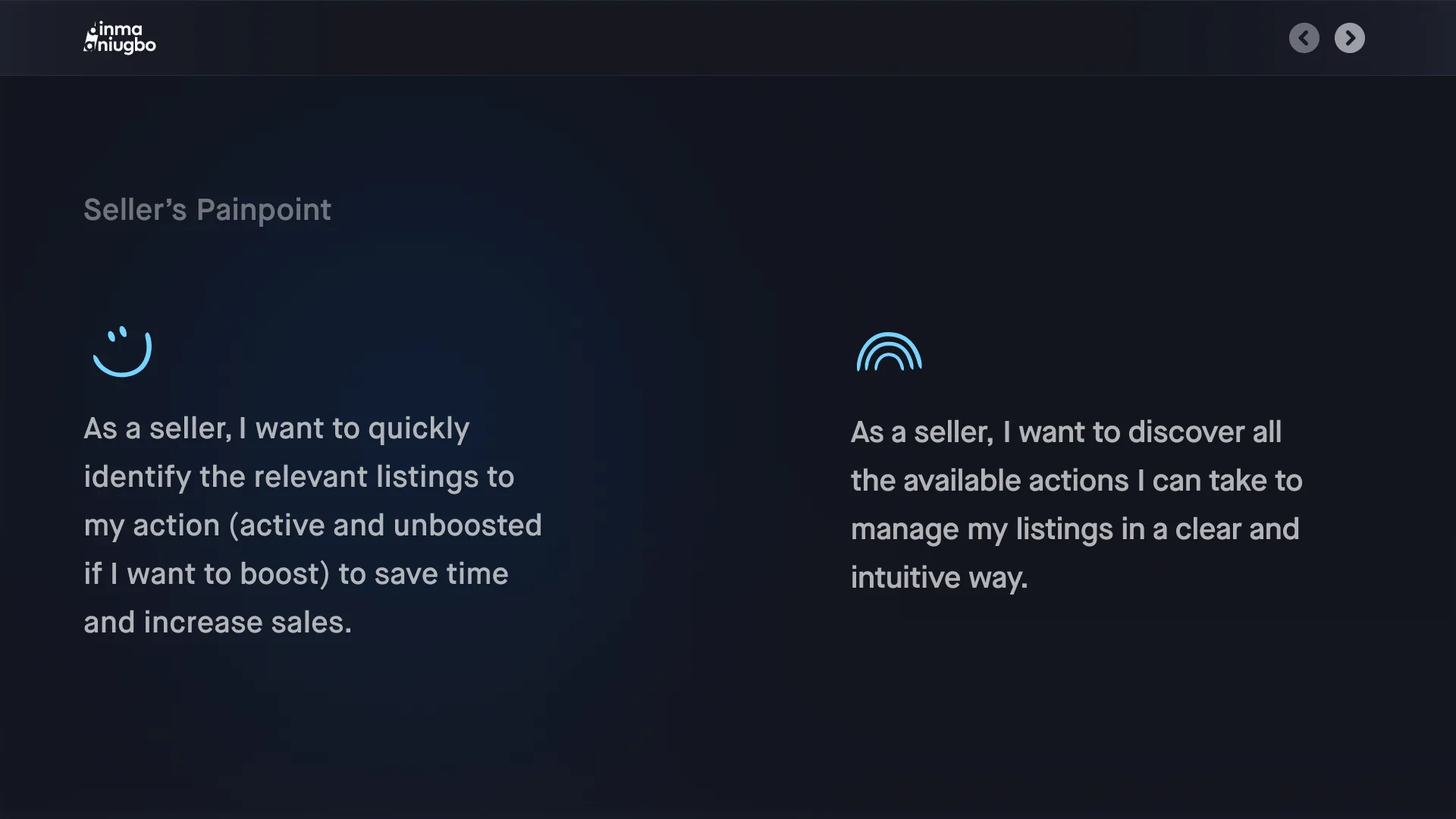
Seller’s Painpoint As a seller, I want to quickly identify the relevant listings to my action (active and unboosted if I want to boost) to save time and increase sales. As a seller, I want to discover all the available actions I can take to manage my listings in a clear and intuitive way.
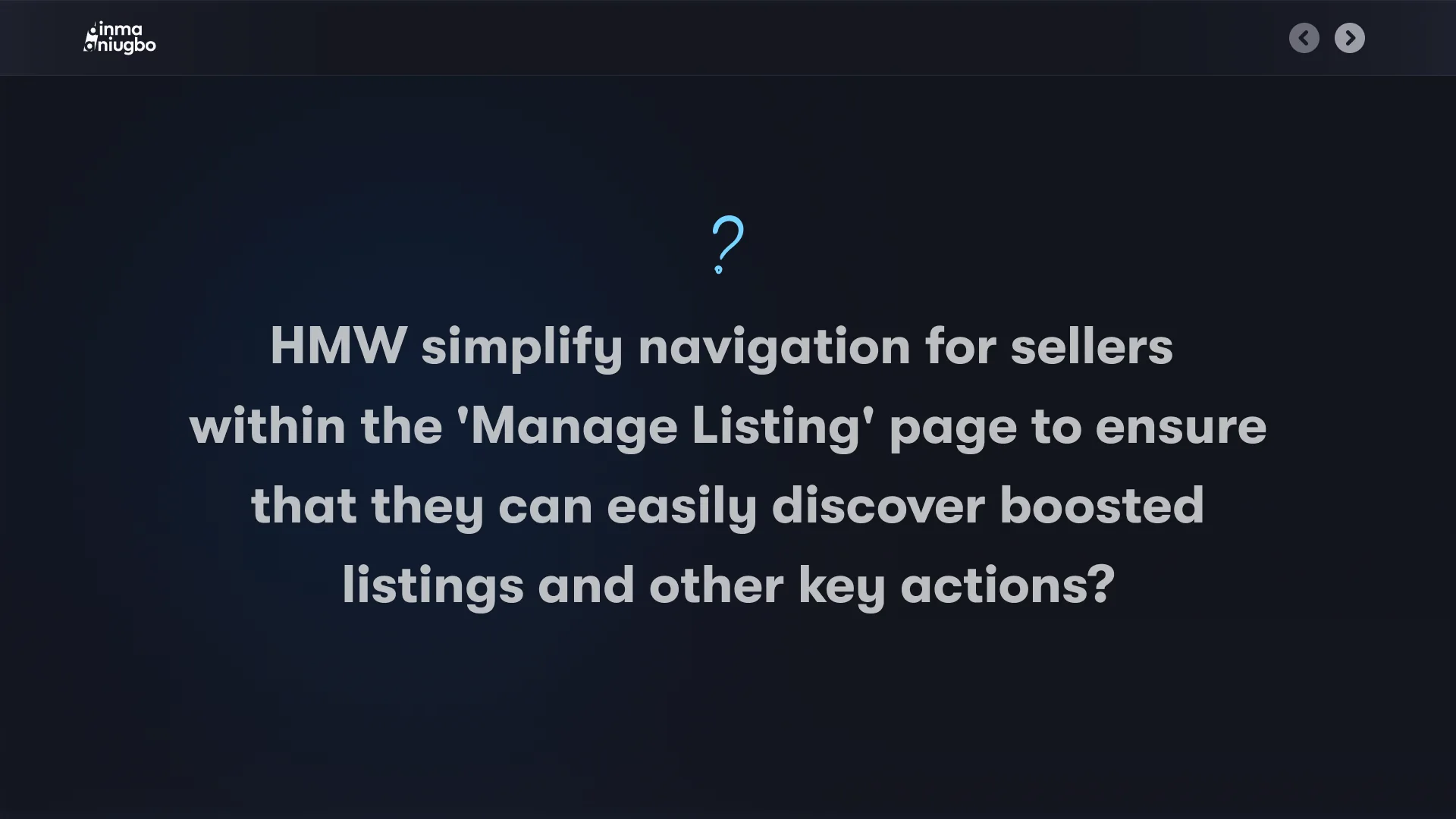
HMW simplify navigation for sellers within the 'Manage Listing' page to ensure that they can easily discover boosted listings and other key actions?
Ux Themes Clear Navigation Improve the discoverability of key actions like boosting, discounting, etc. Simplicity Make it easier for sellers to bulk manage their listings
03 Exploration
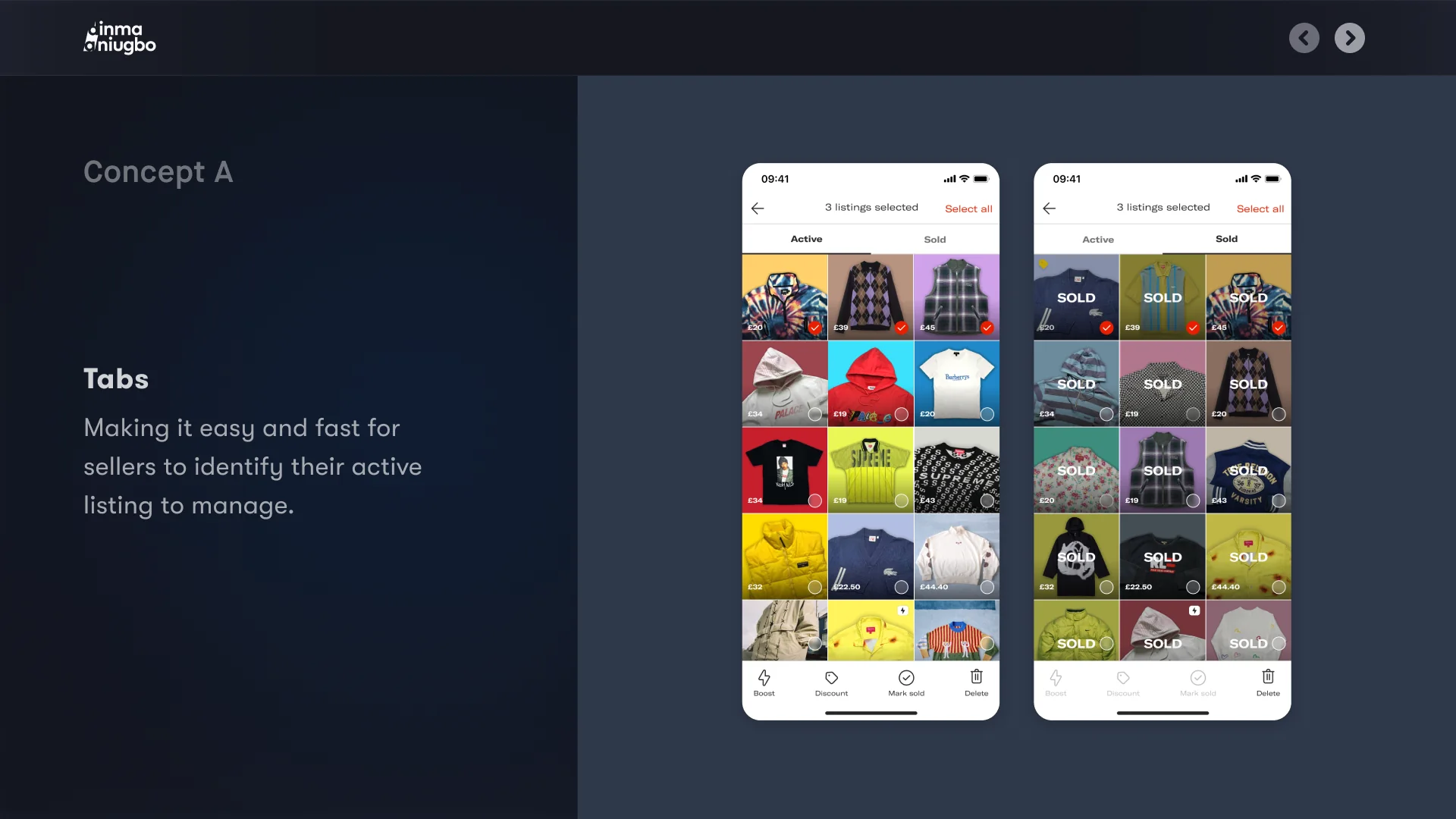
Concept A Tabs Making it easy and fast for sellers to identify their active listing to manage.
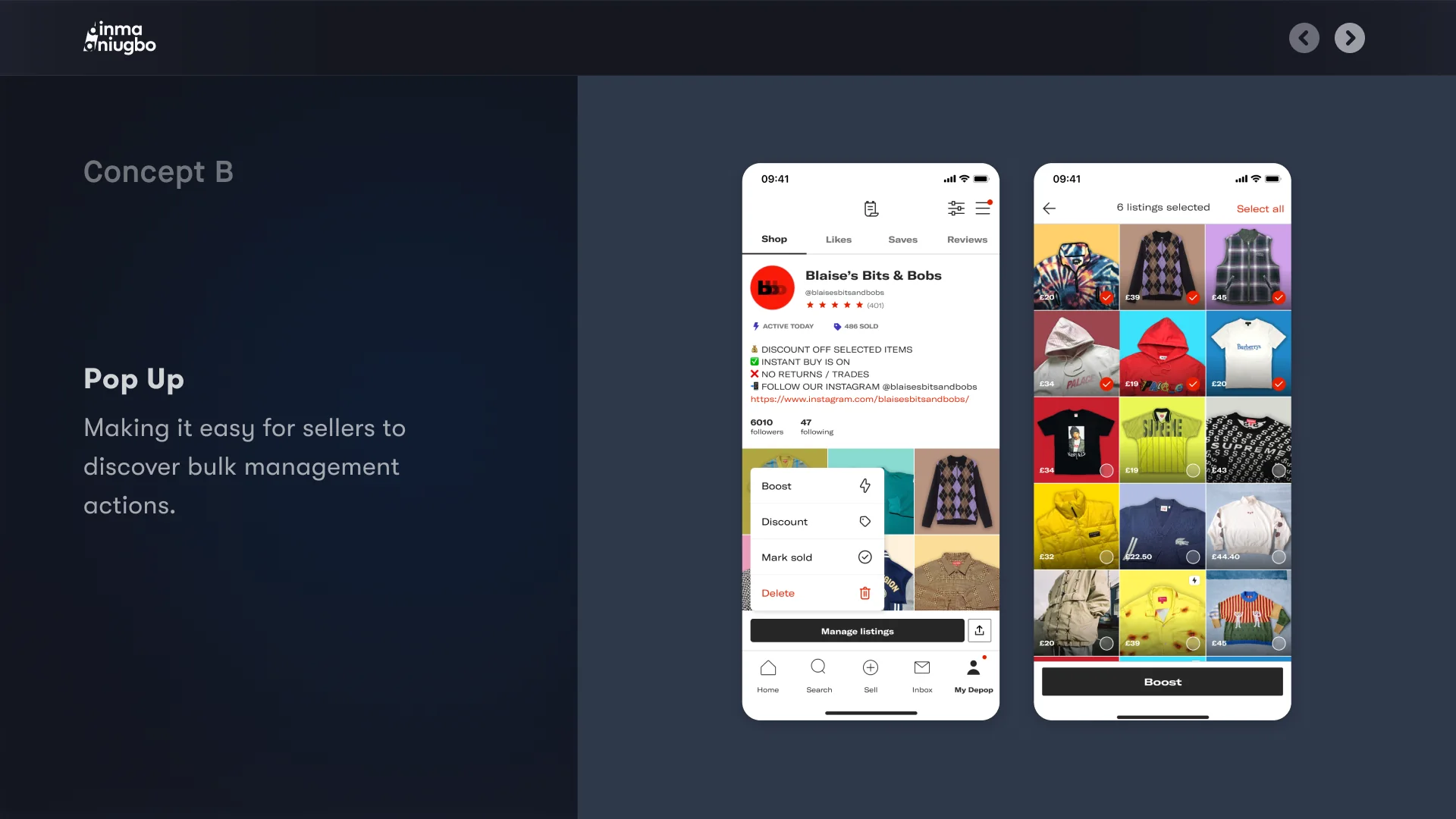
Concept B Pop Up Making it easy for sellers to discover bulk management actions.
04 Usability Testing
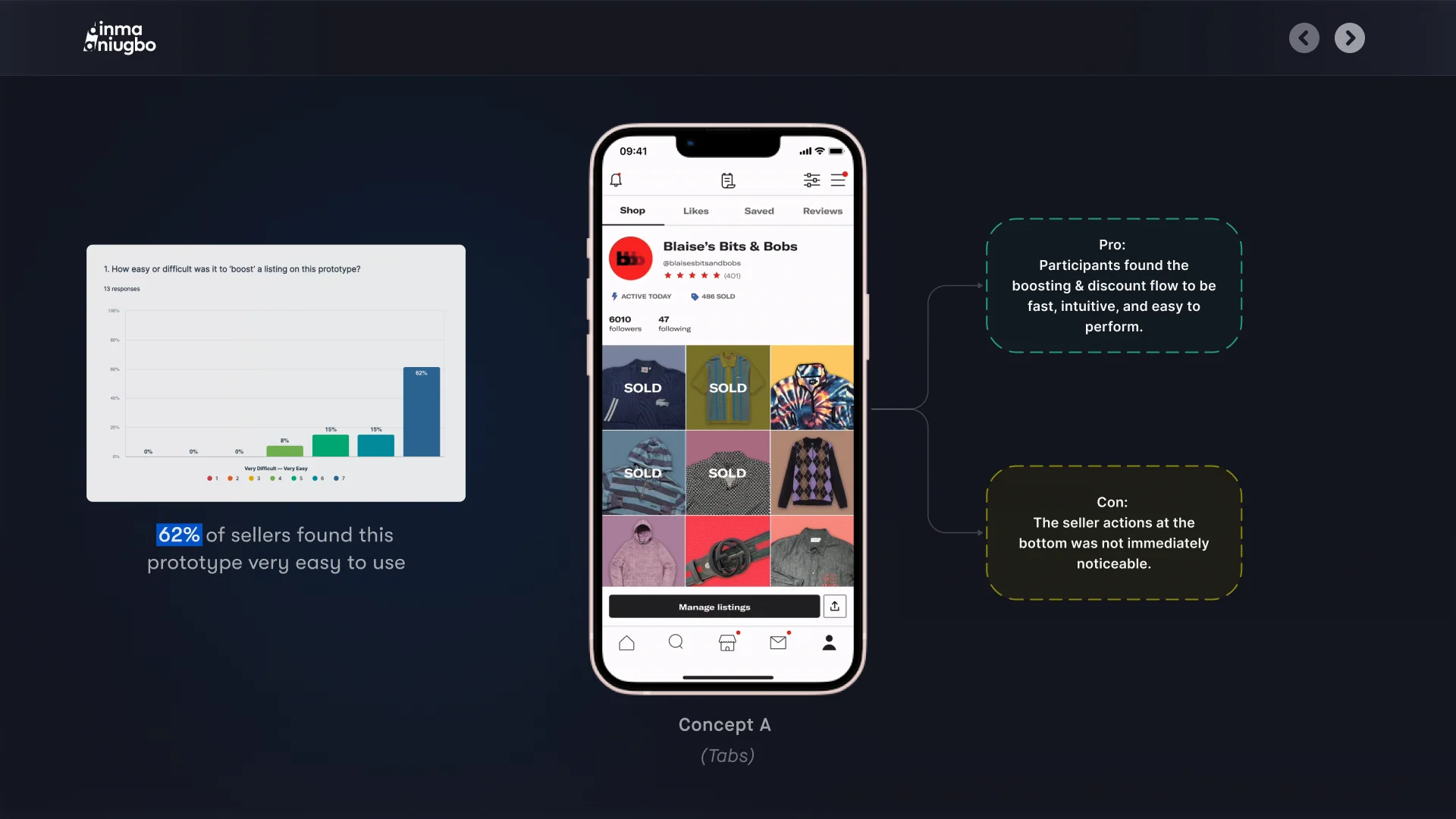
Concept A (Tabs) 62% of sellers found this prototype very easy to use
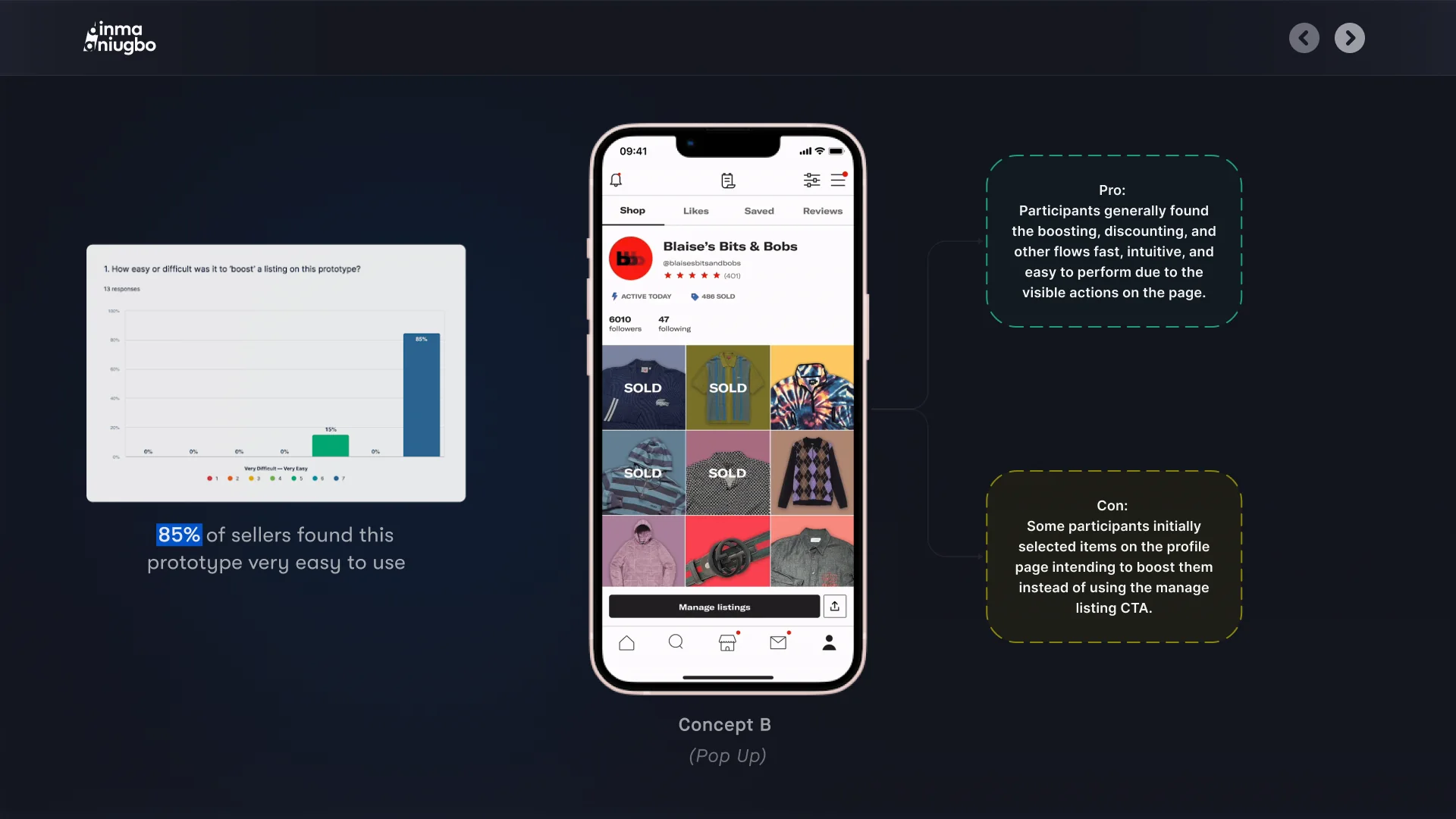
Concept B (Pop Up) 85% of sellers found this prototype very easy to use
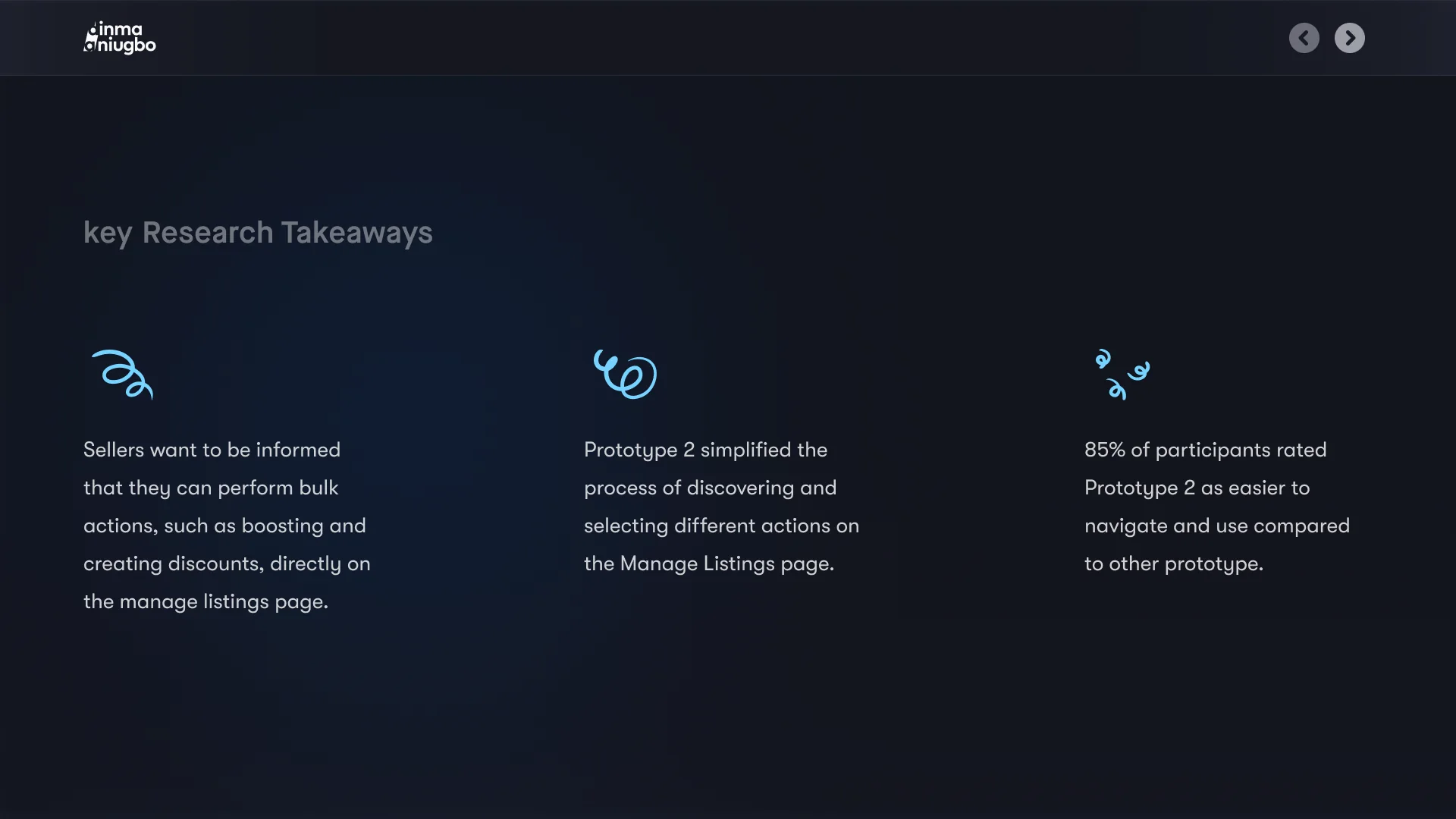
key Research Takeaways Sellers want to be informed that they can perform bulk actions, such as boosting and creating discounts, directly on the manage listings page. Prototype 2 simplified the process of discovering and selecting different actions on the Manage Listings page. 85% of participants rated Prototype 2 as easier to navigate and use compared to other prototype.
05 Designs
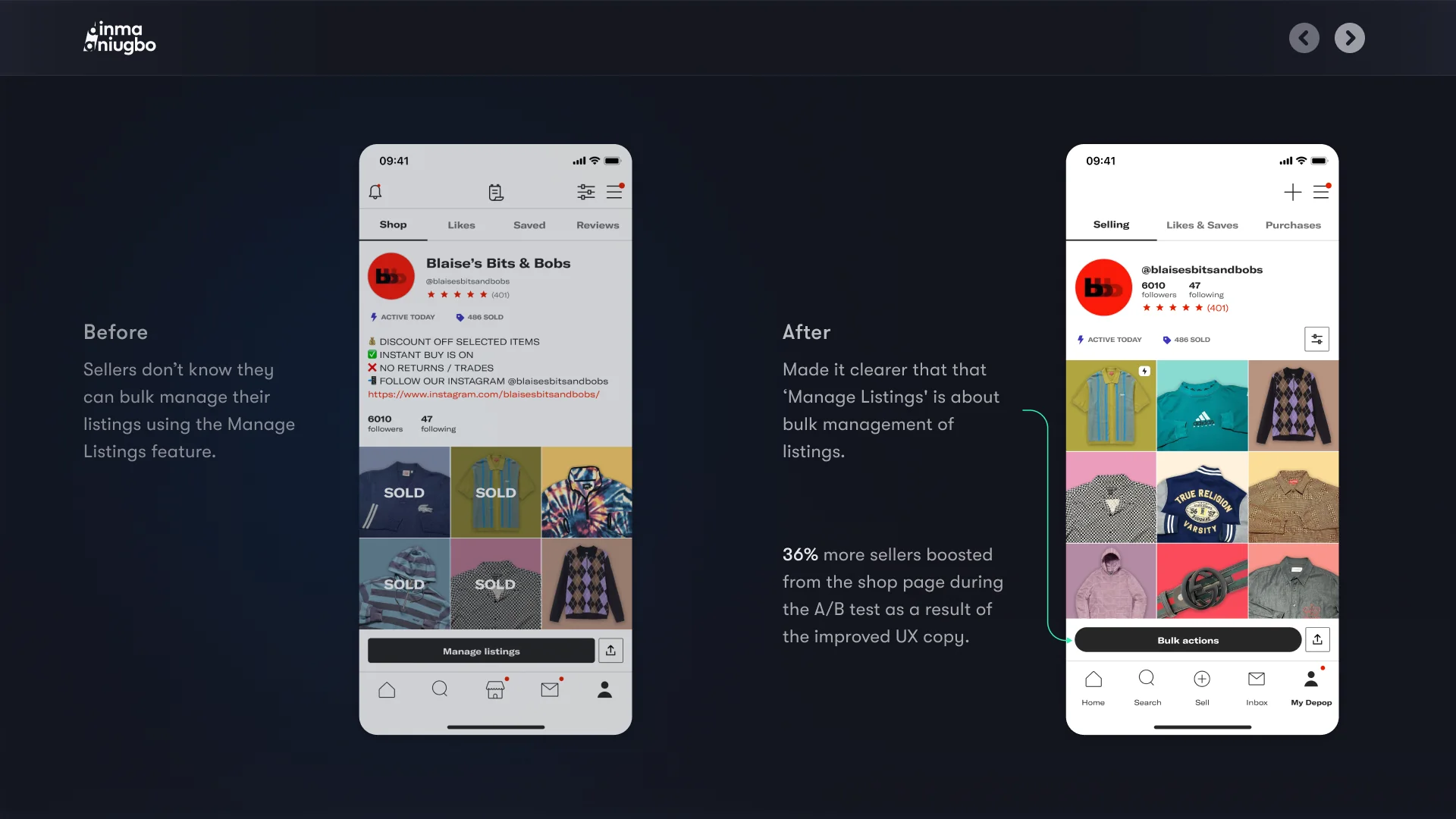
Before Sellers don’t know they can bulk manage their listings using the Manage Listings feature. After Made it clearer that that ‘Manage Listings' is about bulk management of listings. 36% more sellers boosted from the shop page during the A/B test as a result of the improved UX copy.
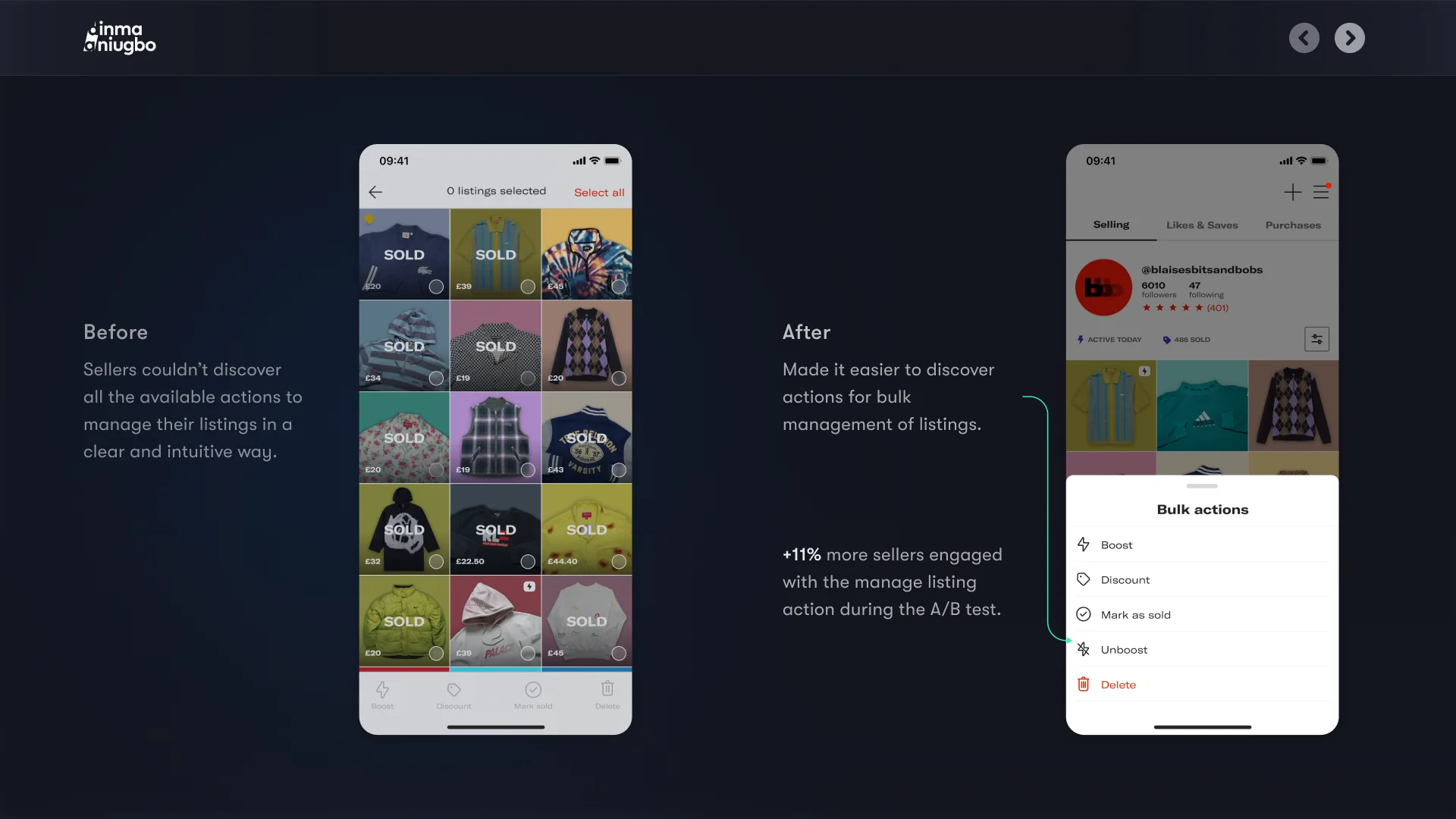
Before Sellers couldn’t discover all the available actions to manage their listings in a clear and intuitive way. After Made it easier to discover actions for bulk management of listings. +11% more sellers engaged with the manage listing action during the A/B test.
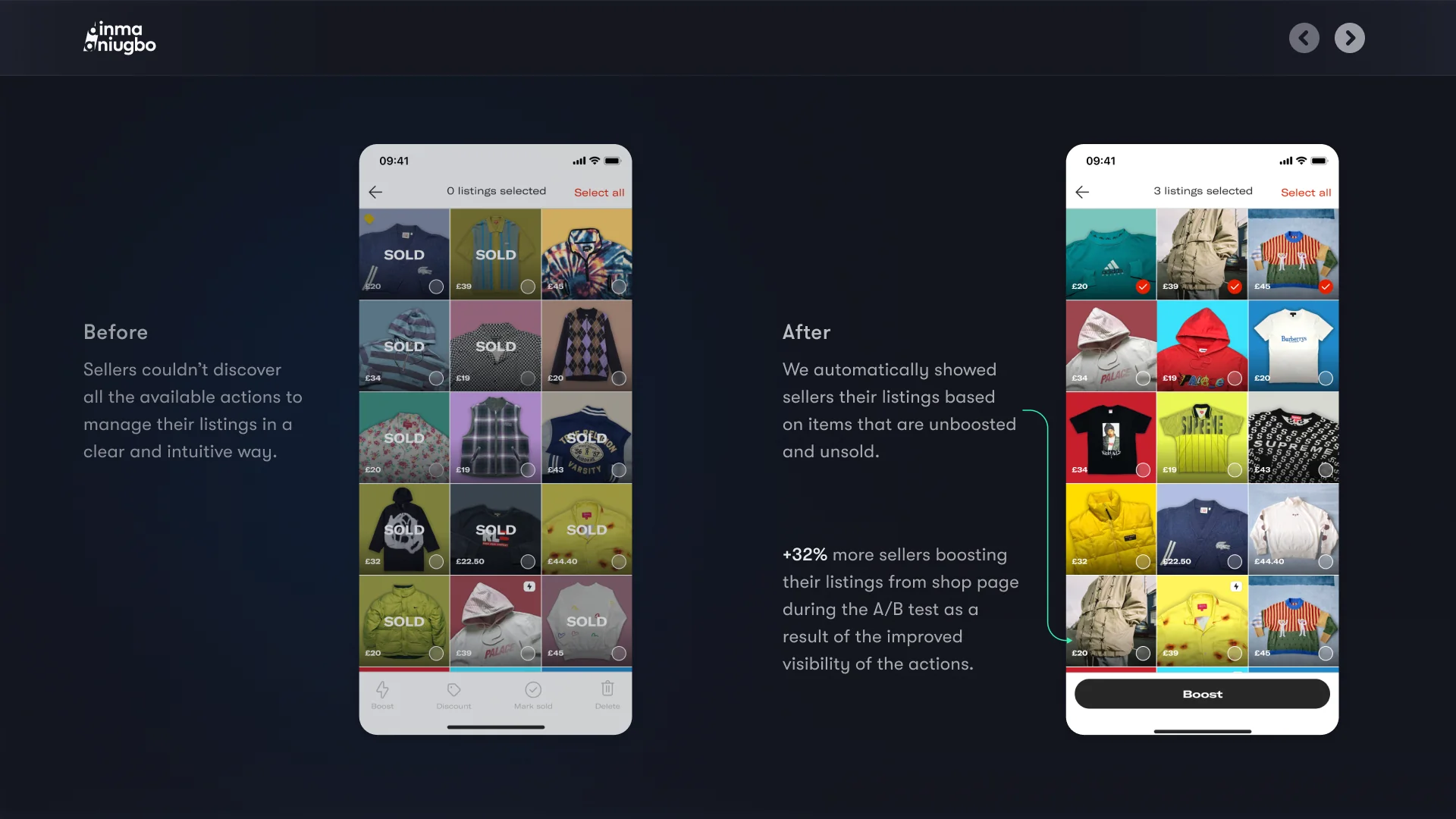
Before Sellers couldn’t discover all the available actions to manage their listings in a clear and intuitive way. After We automatically showed sellers their listings based on items that are unboosted and unsold. +32% more sellers boosting their listings from shop page during the A/B test as a result of the improved visibility of the actions.
06 Impact
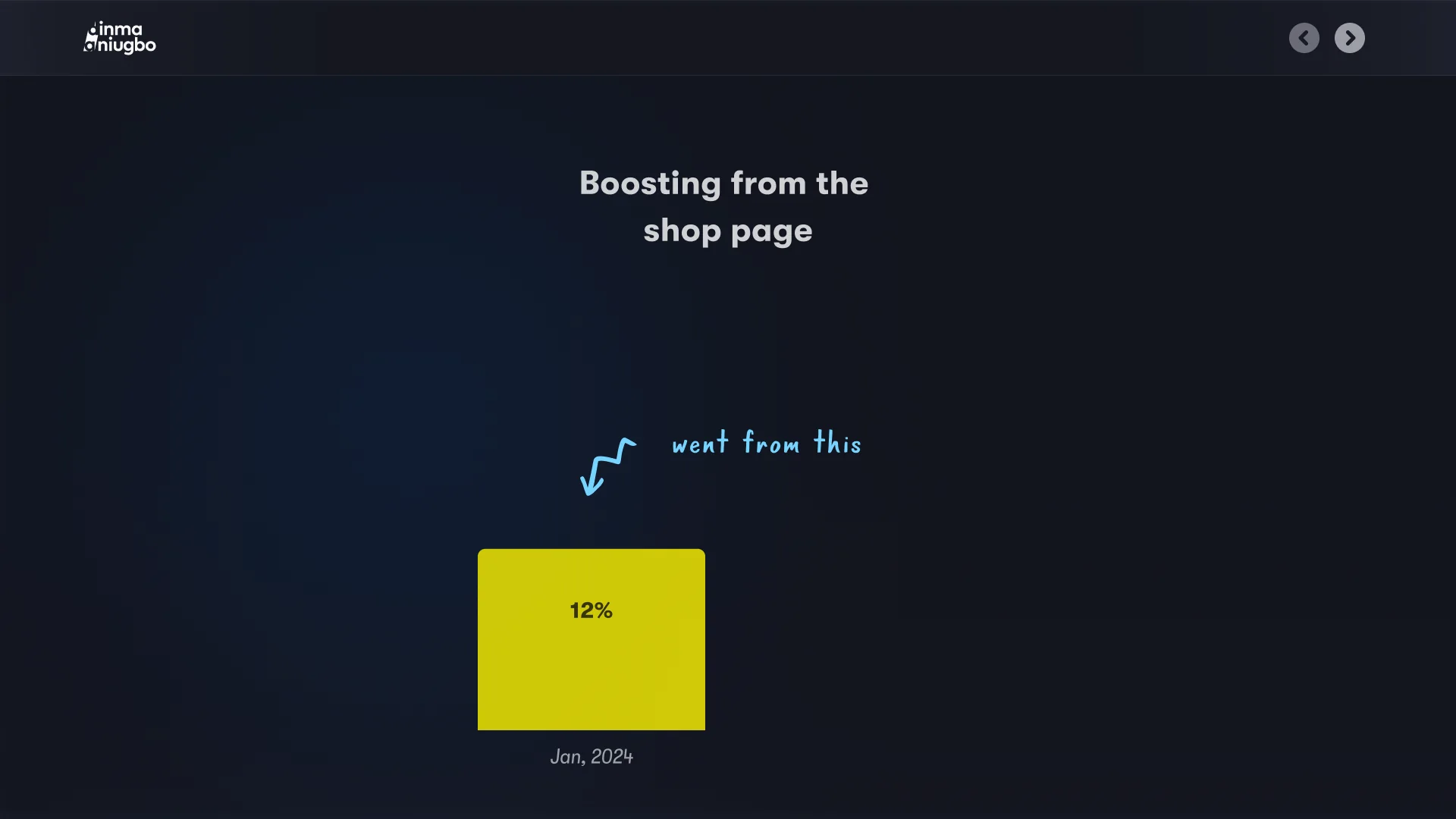
New Design ⭐️ went from this Boosting from the shop page Jan, 2024 12%
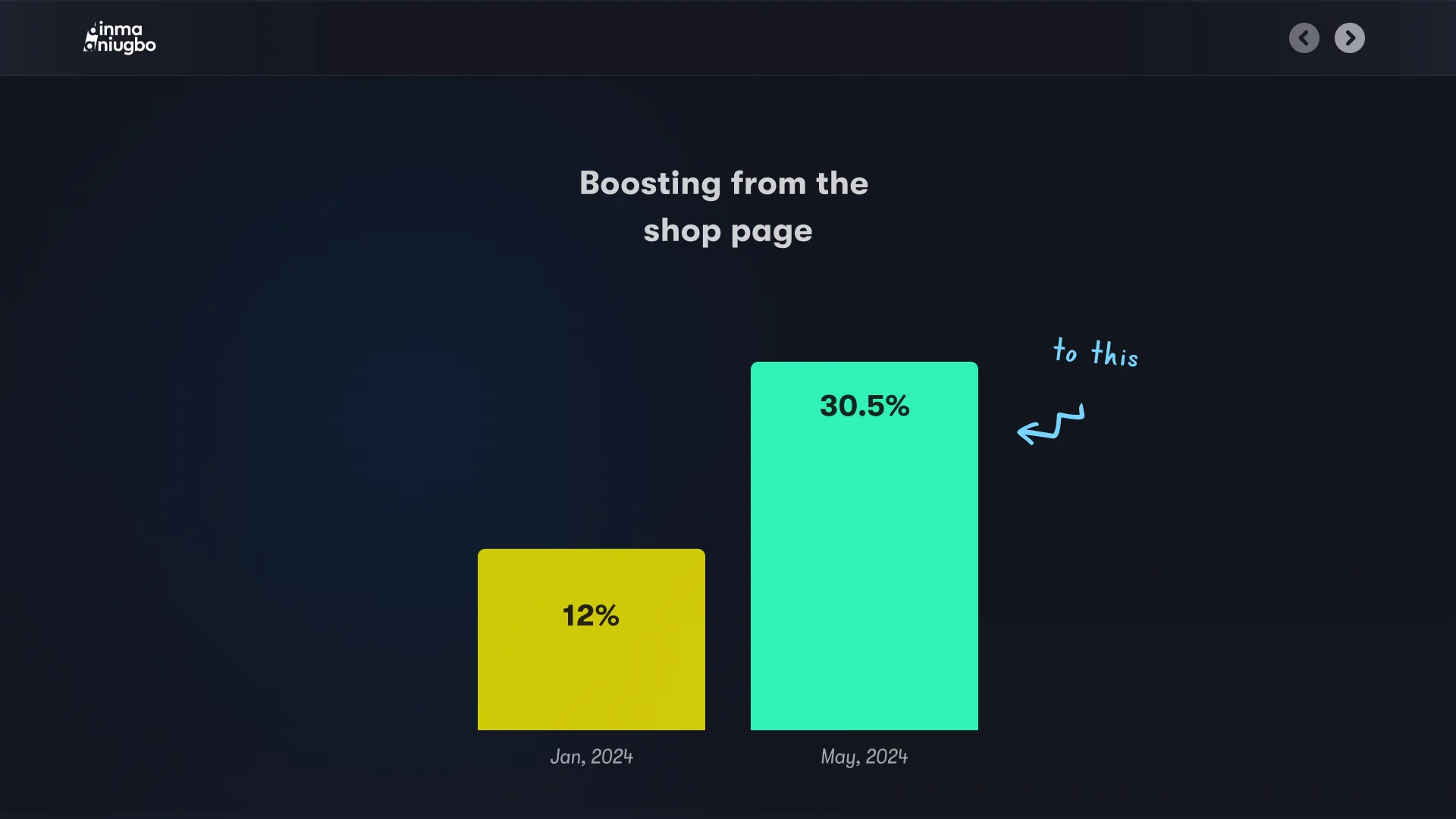
New Design ⭐️ Jan, 2024 12% May, 2024 30.5% To this Boosting from the shop page
1 / 25